UploadKit Demo
Set up different aspect ratios for different variants
Set up different aspect ratios for different variants
We've seen that we can automatically crop uploaded images to a specific aspect ratio, but what if you have a product with multiple variants, each with a different shape?
UploadKit can help here. This is a bit advanced, but let's walk through it together.
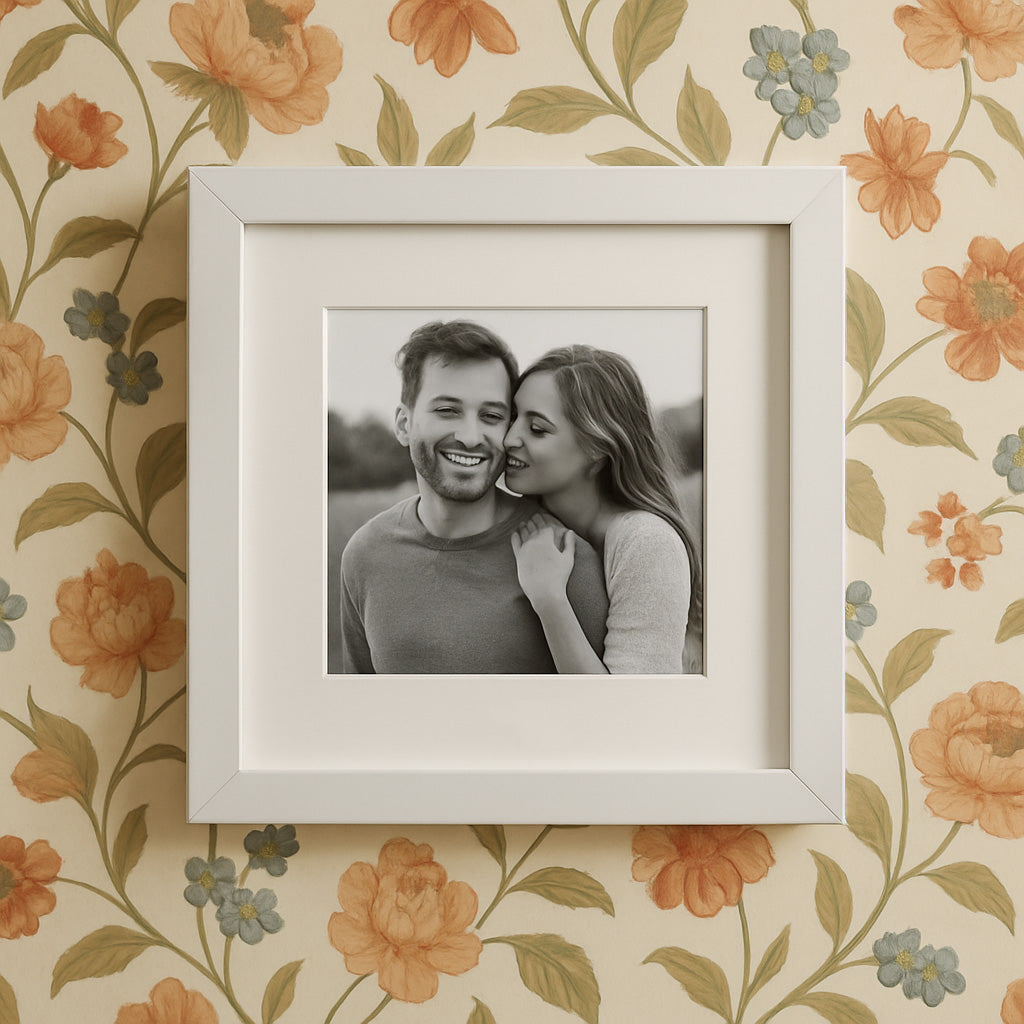
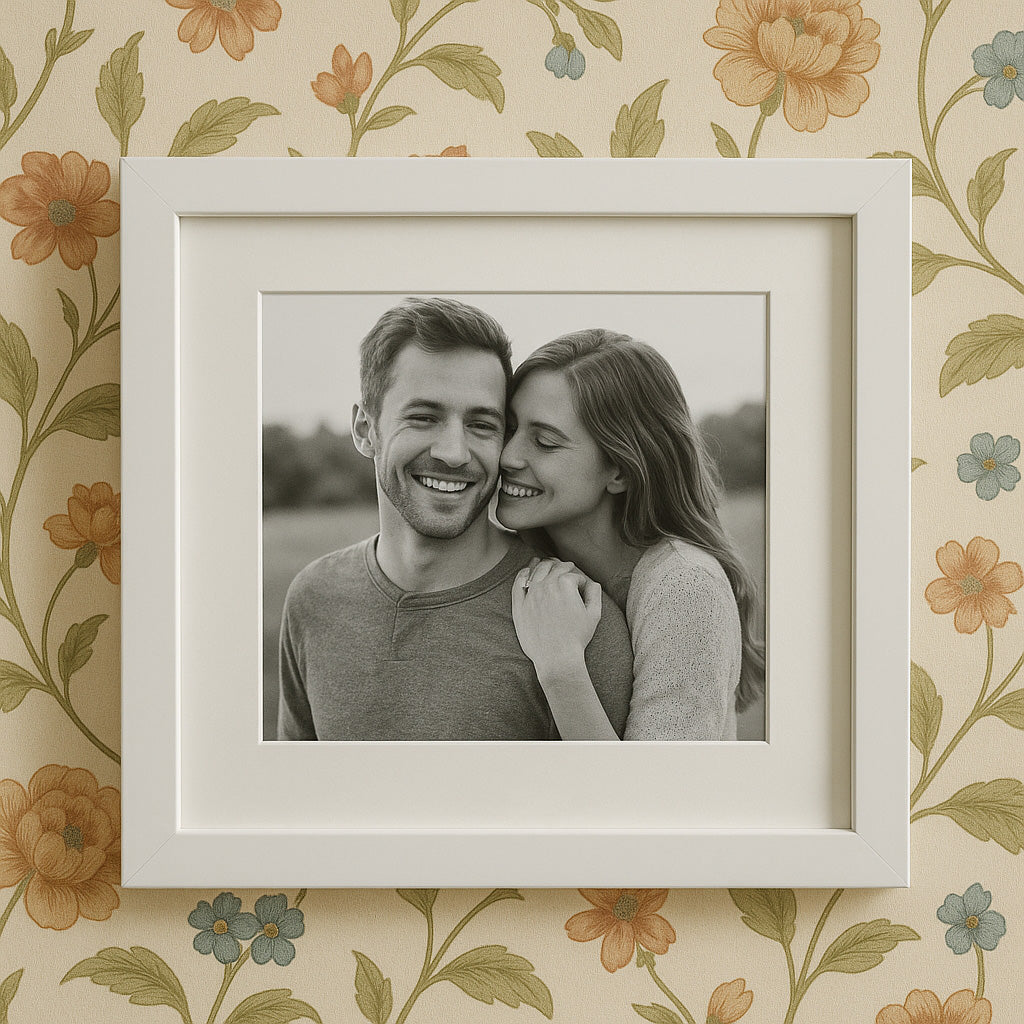
For this demo, we have three variants: frames for 12×12", 12×10" and 12×8" pictures. The option name is called "Size" when we created the product in Shopify.
Once we've created an upload field in UploadKit that matches our product and all variants, we scroll down to Behavior and enable cropping, selecting 'Use different aspect ratios for different product variants':
Then we enter our variant option name ('Size'), choose a default crop if we need, and add our three variants with the crop aspect ratios. Make sure to match the option name and values from Shopify exactly:
Because our product can be rotated to accept portrait or landscape photos, we've added both portrait and landscape aspect ratios. The aspect ratios need to be in whole numbers, no decimals. If you need, say, 1:1.5, multiply them up so they are whole numbers: 2:3 in this example.
Now the correct crop settings will be shown for each variant automatically, and if the user changes the variant after uploading an image, it will automatically be re-cropped to match the selected variant.
Couldn't load pickup availability

More UploadKit options
-
Accept a single image only and allow enhancements
Regular price 284,00 NOKRegular priceUnit price per -
Add multiple upload fields to a product
Regular price 190,00 NOKRegular priceUnit price per -
Apply a circle crop to an uploaded image
Regular price 332,00 NOKRegular priceUnit price per -
Upload multiple files of any type
Regular price 19,00 NOKRegular priceUnit price per -
Add a field for optional printing (add-on pricing)
Regular price From 24,00 NOKRegular priceUnit price per -
Allow customers to upload files post-purchase
Regular price 142,00 NOKRegular priceUnit price per -
Require an exact number of files to be uploaded
Regular price 0,00 NOKRegular priceUnit price per -
Automatically crop images to a specific shape
Regular price 95,00 NOKRegular priceUnit price per -
Enable a text field for uploaded files
Regular price 237,00 NOKRegular priceUnit price per -
Upload fields for multiple subjects (custom pricing)
Regular price From 426,00 NOKRegular priceUnit price per -
Change where your field appears in your product template
Regular price 937,00 NOKRegular priceUnit price per -
Open file picker automatically
Regular price 228,00 NOKRegular priceUnit price per -
Add a photo guidelines popup
Regular price 332,00 NOKRegular priceUnit price per -
Ensure customers confirm their image crop
Regular price 86,00 NOKRegular priceUnit price per -
Preview 3D models
Regular price 86,00 NOKRegular priceUnit price per -
Preview PDF files
Regular price 86,00 NOKRegular priceUnit price per -
Set up different aspect ratios for different variants
Regular price From 190,00 NOKRegular priceUnit price per